Understanding the Basics of TradingView
TradingView is rapidly becoming the go-to platform for traders and investors worldwide, offering a comprehensive set of tools that cater to both novices and seasoned professionals. As the trading landscape evolves, platforms like TradingView are crucial for anyone looking to stay ahead of the curve. With its advanced charting capabilities, social trading features, and a wealth of resources, it empowers users to make informed decisions. By utilizing tradingview effectively, traders can enhance their strategies and ultimately increase their profitability.
What is TradingView?
TradingView is a cloud-based charting platform and social network that allows users to create and share trading ideas, market analyses, and customized charts. Established in 2011, it has quickly gained traction among millions of users, offering features that are ideal for both individual traders and institutional investors. The platform supports a wide range of financial instruments, including stocks, cryptocurrencies, forex, commodities, and more, making it a versatile tool for diverse trading strategies.
Key Features of TradingView
- Advanced Charting Tools: TradingView is renowned for its powerful charting capabilities, offering a variety of indicators, drawing tools, and customizable layouts that allow traders to visualize market data effectively.
- Social Networking: Users can share their analyses and trading ideas with a community of traders, fostering an environment of collaboration and information sharing.
- Real-Time Data: The platform provides real-time data for various financial markets, ensuring that users have the most up-to-date information at their fingertips.
- Alerts and Notifications: Traders can set custom alerts based on price movements, technical indicators, and fundamental news, allowing them to react promptly to market changes.
- Public Scripts: Users can access a vast library of public scripts, enhancing their analytical capabilities and allowing them to implement strategies developed by other traders.
How TradingView Differs from Other Platforms
What sets TradingView apart from other trading platforms is its emphasis on community and user-generated content. While many platforms offer charting tools and market data, TradingView encourages collaboration among users, enabling them to learn from one another and share insights. Additionally, its intuitive interface and ability to run directly in a web browser make it accessible without the need for downloads or installations, unlike many traditional trading platforms. This user-friendly experience attracts traders who may not have extensive technical knowledge, further broadening its user base.
Getting Started with TradingView
Creating Your TradingView Account
Getting started with TradingView is straightforward. Users can sign up for a free account or choose from several premium subscription plans that unlock additional features. The registration process involves providing an email address, creating a password, and confirming the account. Users are then prompted to customize their profiles and can start exploring the platform immediately.
Customizing Your Trading Dashboard
Once registered, users can personalize their TradingView dashboards to suit their trading preferences. The platform allows for the adjustment of layouts, the addition of various widgets, and the configuration of custom watchlists. By customizing the dashboard, traders can ensure that they have quick access to the information that matters most, streamlining their decision-making processes.
Using TradingView’s Charting Tools
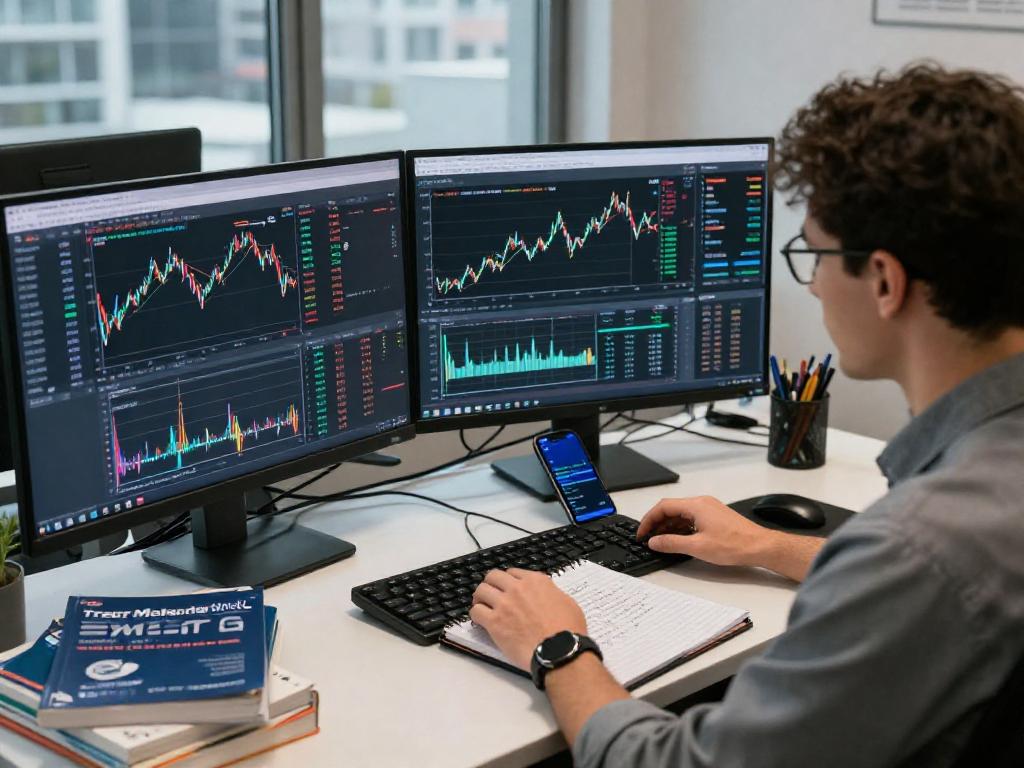
The heart of TradingView lies in its charting tools. Users can create various chart types, including candlestick, line, and bar charts, and apply a range of technical indicators such as moving averages, RSI, and Bollinger Bands. The platform's drawing tools allow users to annotate charts with trendlines, Fibonacci retracement levels, and other important markers. These features enable traders to conduct in-depth technical analyses, providing valuable insights into market trends and potential entry and exit points.
Advanced Trading Strategies with TradingView
Utilizing Technical Indicators Effectively
Incorporating technical indicators into trading strategies can significantly enhance decision-making. TradingView offers an extensive library of indicators, which can be customized to fit individual trading styles. For instance, traders can experiment with combinations of indicators to find the most effective setups, such as using moving averages alongside MACD to identify potential trend reversals.
Setting Up Alerts for Market Movements
Setting alerts is crucial for staying on top of market movements. TradingView allows users to establish price alerts, which notify them when an asset reaches a specified price level. Additionally, users can create alerts based on technical indicators, ensuring they remain informed about critical market changes. These alerts are vital for traders who employ strategies requiring real-time responses to evolving market conditions.
Building a Custom Trading Strategy
Creating a custom trading strategy involves defining a set of rules for entering and exiting trades based on market conditions. TradingView facilitates this process by allowing users to backtest strategies using historical data, giving them insight into potential performance. Traders can refine their strategies based on these tests, ensuring they are well-prepared for live trading.
Maximizing Community Resources on TradingView
Leveraging Social Trading Features
The social trading aspect of TradingView is one of its standout features. Users can follow other traders, view their analyses, and engage in discussions about market trends. By leveraging this communal knowledge, traders can gain diverse perspectives and learn new strategies that may enhance their trading performance.
Connecting with Other Traders
Networking with other traders on TradingView can lead to valuable insights and collaborations. Users can participate in forums, comment on shared ideas, and even host webinars to discuss trading strategies and market analyses. This sense of community fosters a culture of learning and growth among traders.
Accessing Public Scripts and Ideas
TradingView offers a wealth of public scripts created by users who share their indicators and strategies. By accessing these scripts, traders can expand their analytical capabilities and gain inspiration for developing their own trading tools. This feature enriches the user experience and enables traders to utilize cutting-edge strategies created by their peers.
Future Trends in Trading with TradingView
Emerging Technologies Impacting TradingView
As technology continues to evolve, platforms like TradingView are likely to integrate new features leveraging artificial intelligence and machine learning. These advancements will enhance predictive analytics, allowing traders to make more informed decisions based on data-driven insights. Additionally, automation tools may become increasingly prevalent, enabling traders to implement strategies with minimal manual intervention.
Predictions for Market Analysis in 2026
Looking ahead to 2026, market analysis is expected to be shaped by advancements in data analytics and algorithmic trading. Platforms like TradingView will likely incorporate more sophisticated analytical tools that provide deeper insights into market behavior. As algorithms become more refined, traders will benefit from enhanced forecasting capabilities, resulting in improved trading outcomes.
Preparing for Changes in Trading Behavior
Traders must remain adaptable as market behavior changes in response to technological advancements and shifts in global economies. Engaging actively in the TradingView community and staying informed about new tools and strategies will be crucial for success. By proactively preparing for these changes, traders can position themselves advantageously in an ever-evolving market landscape.